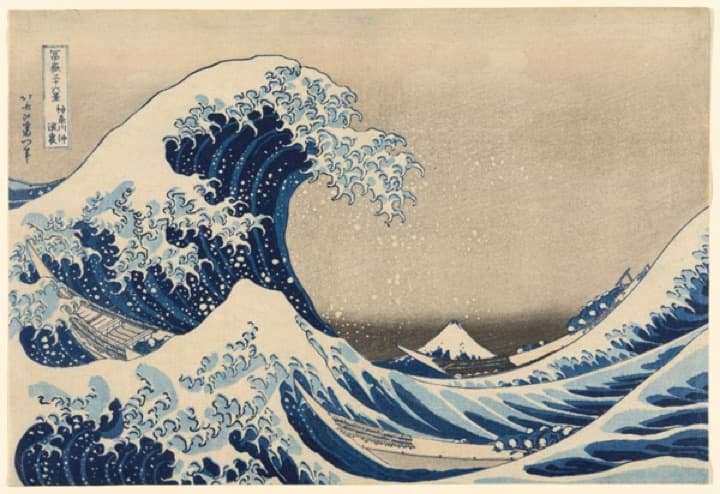
Wave print for the hallwaySaved to “Home ideas”
FavKeep brings your saves from X, Pinterest, Instagram, YouTube, Reddit, GitHub and Hacker News into one quiet gallery on your Mac.
Free to start. Your library stays on this Mac.
 12:04
12:04

 48:10
48:10
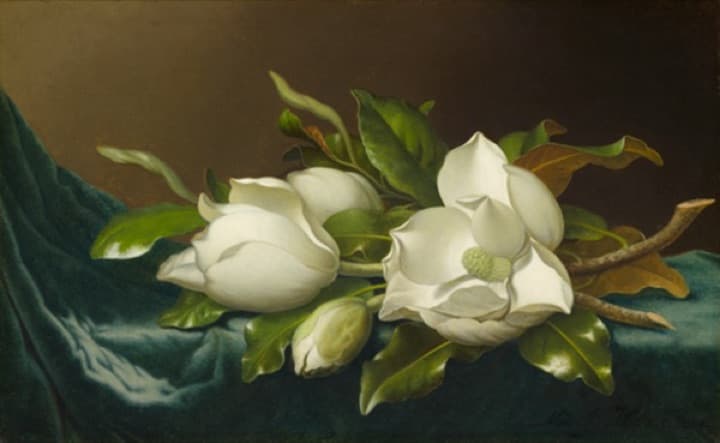
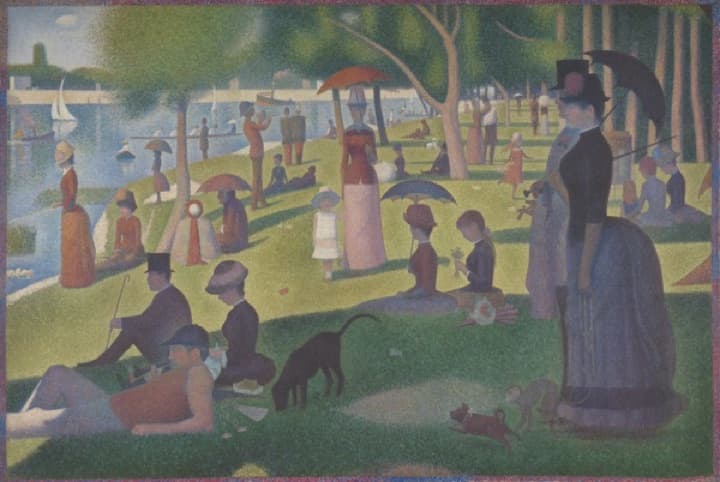

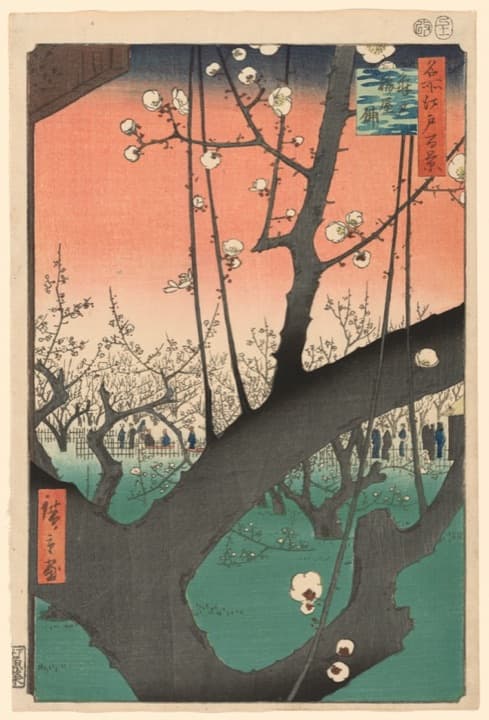
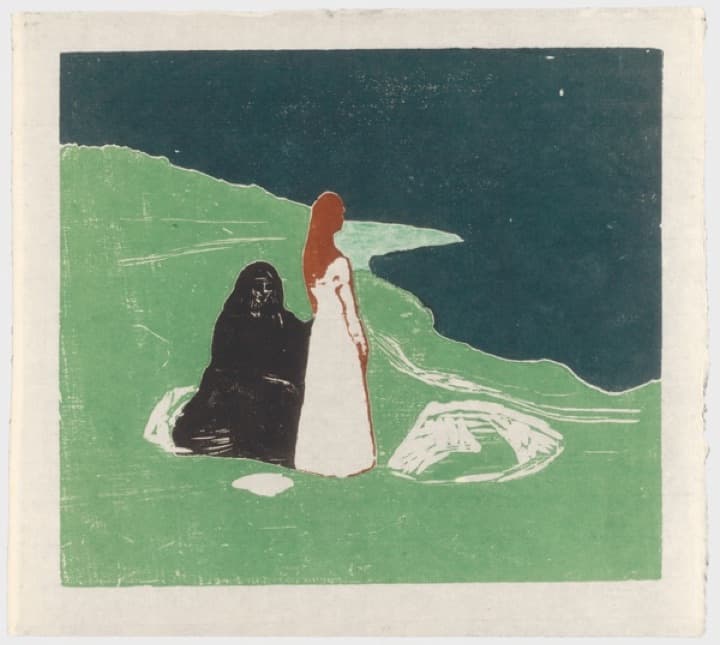
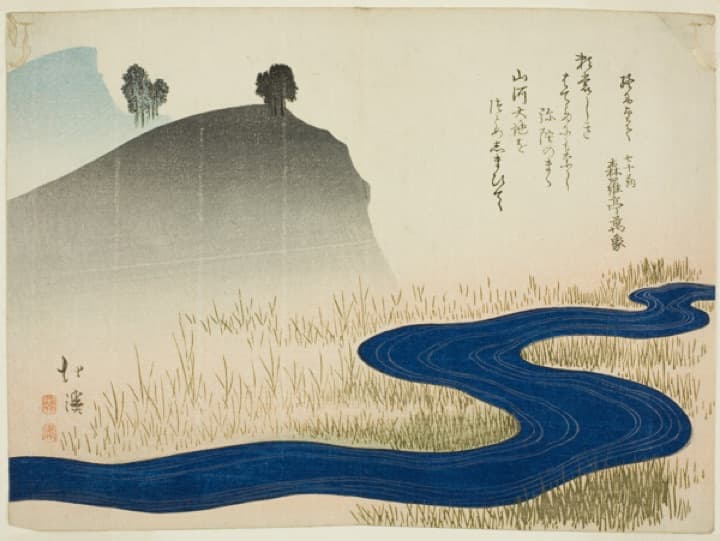
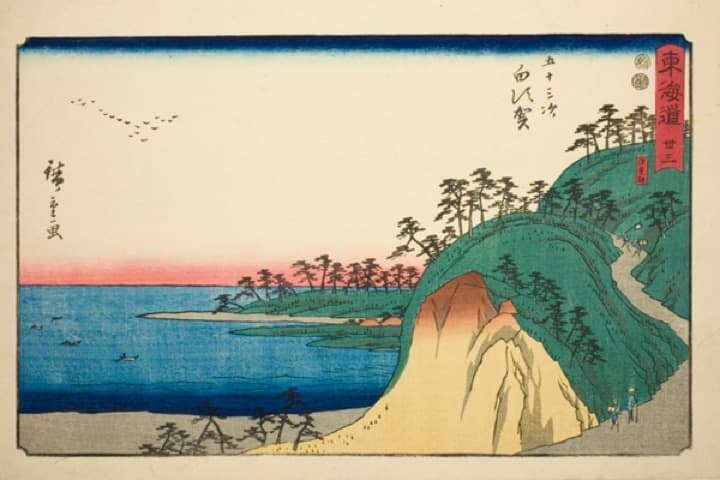
FavKeep reads the text inside screenshots and looks at what's in each image, so “that blue wave print” finds the right pin, even if you never named it.
When you copy something worth saving, a small Keep prompt drops from the notch. Tap it and you're back to what you were doing.
It started as a small experiment. By March the shoebox was full, and I had started noticing which pictures I actually went back to.
paperdays.blog/printing-every-photo
The ones I loved were never the ones I posted.
CopiedEvery app wants you to save things so you come back and scroll. We saved the recipe, the print, the thread and the talk, then never found them again. FavKeep is the opposite. It keeps your favorites in one place, on your Mac, and gets out of the way.
Go monthly and cancel any time, or pay once and keep it. Lifetime includes a year of updates, and you can keep using the version you have forever.
Upgrade from Settings → Account in the app. 30-day refund, no questions asked. Prices in USD, tax included. Refunds and cancellation
Everything you've saved, from every app, in one place on your Mac.
macOS 14 Sonoma or later · Apple silicon and Intel